Customers
The customers you serve, and the ones still to come.
Haimoo Flow keeps your business customers' contact persons, addresses and own prices in one place and estimates each customer's next order. In the Prospects view the owner follows companies that are not customers yet, and messages go through Flow.
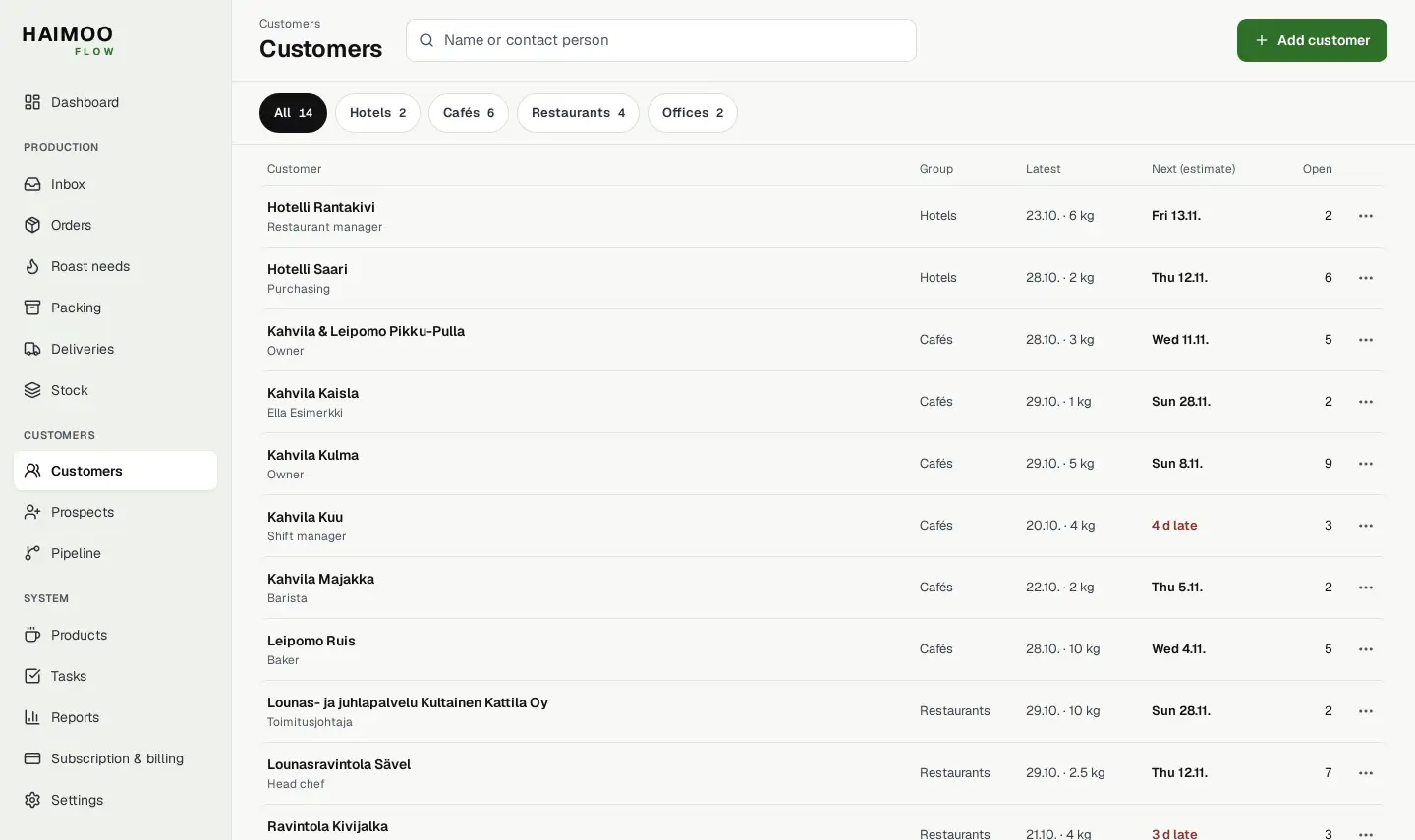
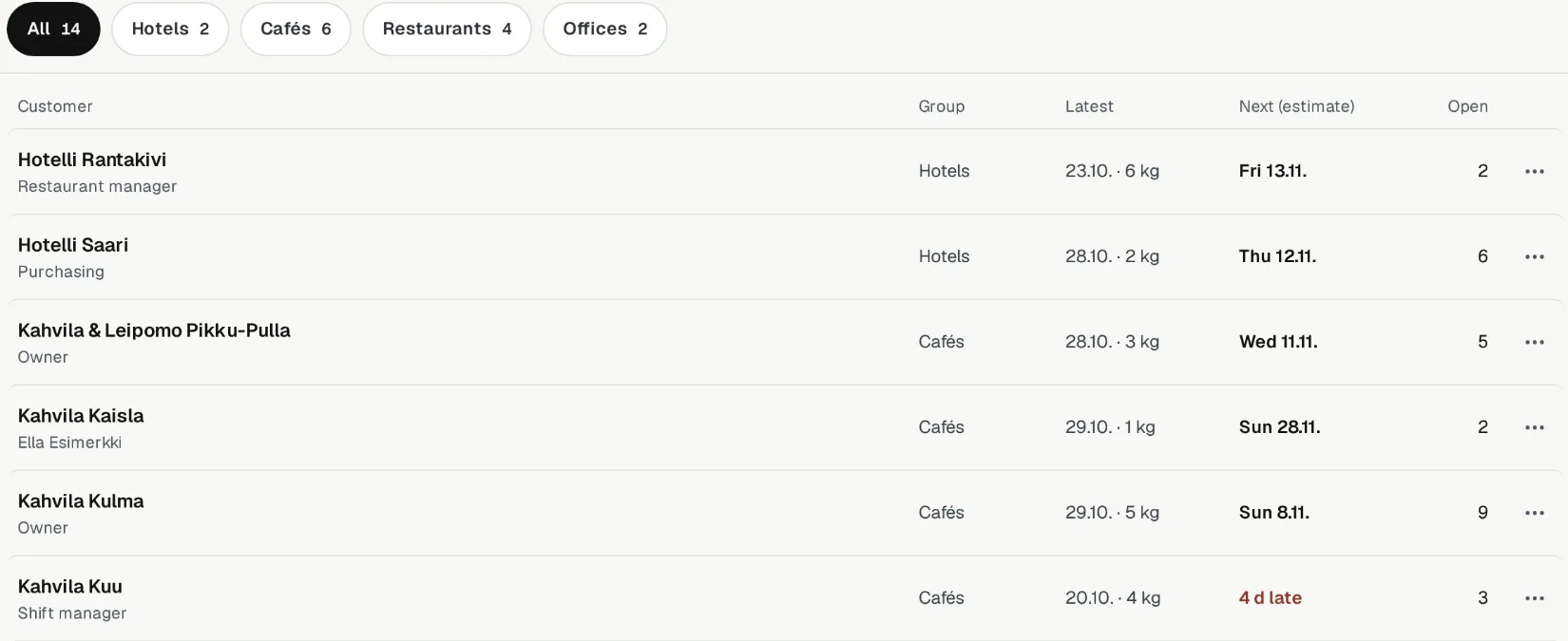
Views from Flow. Names and figures are examples.
Customers
At a glance, the list tells you who ordered last and whose order you can already expect.
Latest and next
The customer's most recent order with its kilos, and an estimate of the next one. A red late marker means the expected order has not arrived.
Own ordering rhythm
The estimate comes from the median of the customer's own intervals between orders, so one long break does not shift it. It needs at least two orders on different days.
Groups and search
Your own groups, such as Cafés and Hotels, narrow the list. Search looks through names, contact persons and email addresses.
Contact persons
Confirmations can be sent to contact persons, each as a separate message under their own name.
Contract products
You can save a customer's own products and prices. The default grind fills in on a new order.
No duplicates
When you add a customer, Flow warns you if a similar name or the same business ID is already on the list.
Prospects
For the owner. Companies that are not customers yet, on their own list.
List from a CSV file
A lead list made by someone else goes in as it is: unknown columns are collected into a note, and the preview tells you what will happen. The same file can be imported again without creating duplicates.
Stages
New, Contacted, Sample sent, Feedback received or Not interested. The filters show how many are in each stage.
Messages and message templates
A message goes out from the prospect's card, and replies arrive in the same conversation when mail is fetched. Templates fill in the company, first name and city. A signature is added to the end of every message.
Replied and Follow up
Replied shows who you need to answer. Follow up shows those who have not replied for 7 days.
Make customer
When a prospect buys, one button moves it to the Customers list, and you can create orders for it.
Questions about customers and prospects
All questionsWhat is on the customer card?
Name, business ID, group, email, phone, default grind, delivery addresses, contact persons and contract products. The customer's page also shows the estimate of the next order.
Can members see the prospects?
No. Only the owner sees the Prospects tab. Once a prospect is made a customer, members see it too.
How many prospect messages does Flow send?
At most 30 per day. A counter is shown next to the Send button. You can mark a prospect as No marketing, and Flow then sends it no messages.
Can a prospect list be imported from Excel?
Yes. Save the list as a CSV file, at most 500 rows at a time. The preview shows which rows will be imported and which skipped. A company that is already in Flow is skipped.