 Company
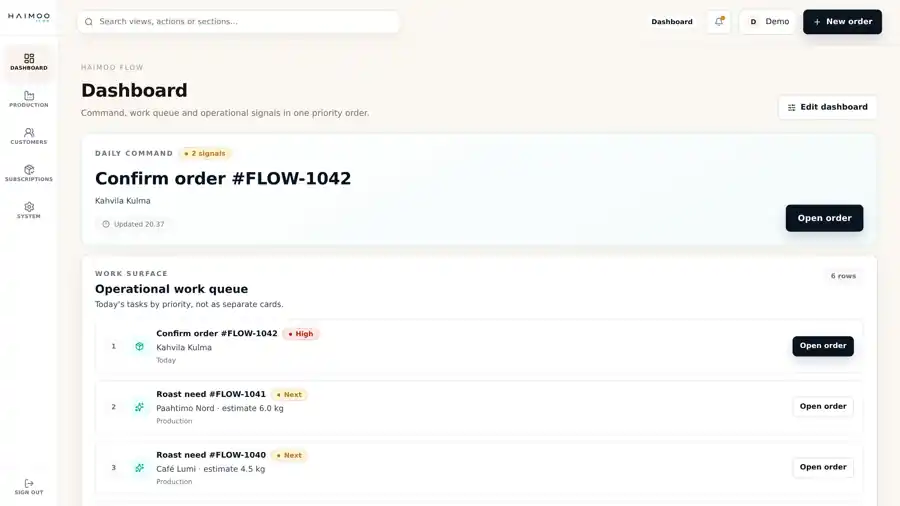
One work queue
Orders, processing and deliveries progress in the same view.
01 · Operations
Flow brings orders from different channels into one work queue and shows what needs to happen next.
A good fit when
The interface is focused on this one workflow. Your other systems can stay as they are.
Orders, processing and deliveries progress in the same view.
Today's work and delayed items are visible without a separate report.
Orders that need attention rise to the top of the work queue.

Person and tool
Flow brings the day's work into one view. Users see exceptions and can focus on them instead of searching for information.
This image represents the prototype's visual direction and is not a customer case.
Frequently asked questions
No. Flow turns orders from the online store and other channels into an operational work queue.
Ready-made integrations are listed in the product service. A company-specific integration is available separately when needed.
A small business whose order volume has outgrown a manually maintained list.